
Songcraft works in your phone's browser, so you can catch an idea wherever you are and pick it up later on your computer. The editor fits your screen, and when a long line wraps, its chords wrap with it. Your tools open in a sheet from the bottom of the screen. Everything in this guide is free.
Open a song on your phone
Go to songcraft.io in your phone's browser and sign in with the same account you use on your computer. Your library and songs are the same everywhere, and changes show up on your other devices right away.
Use your tools
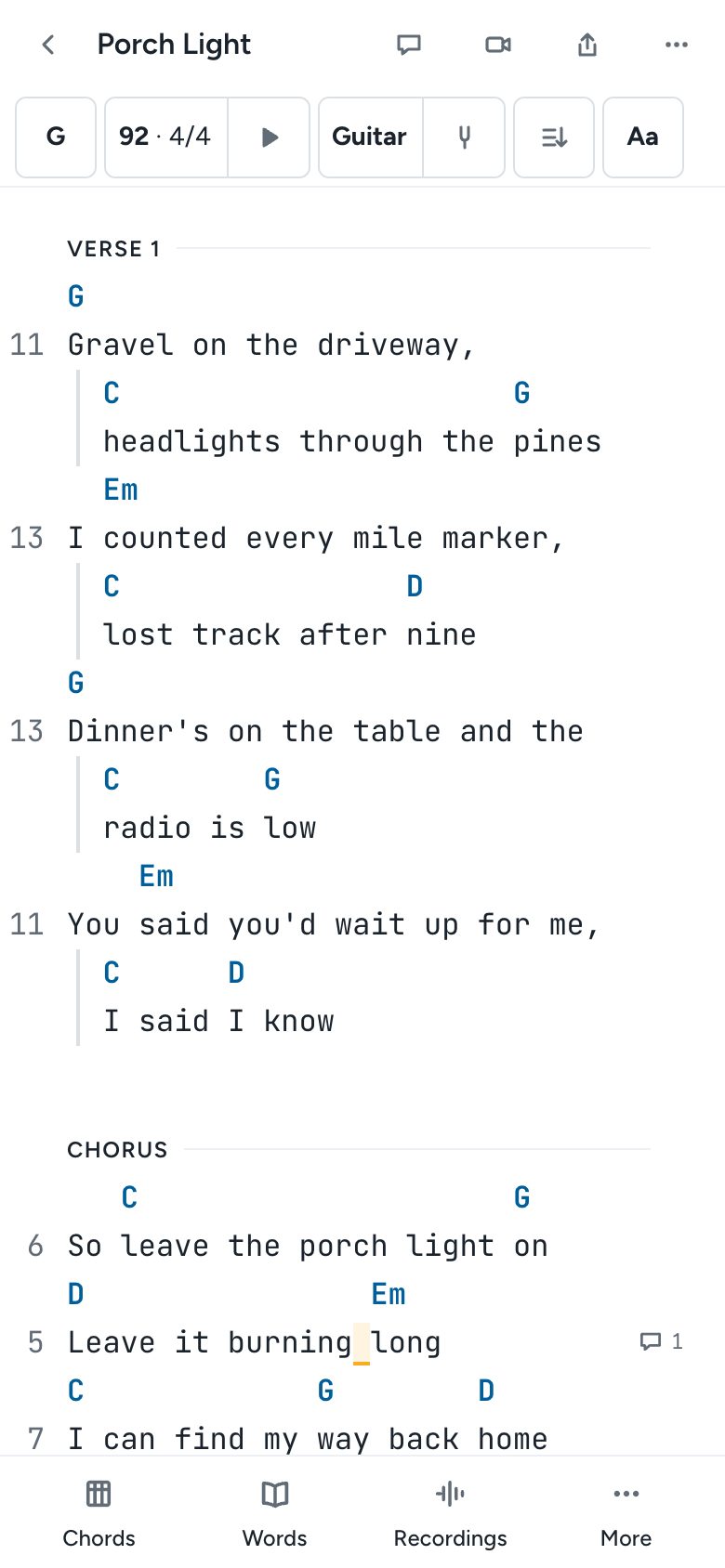
The bottom of the screen has Chords, Words, Recordings, and More, which holds Progressions, Notes, Comments, and Exercises. Tap one to open it in a sheet, and drag the sheet up to see more of it.
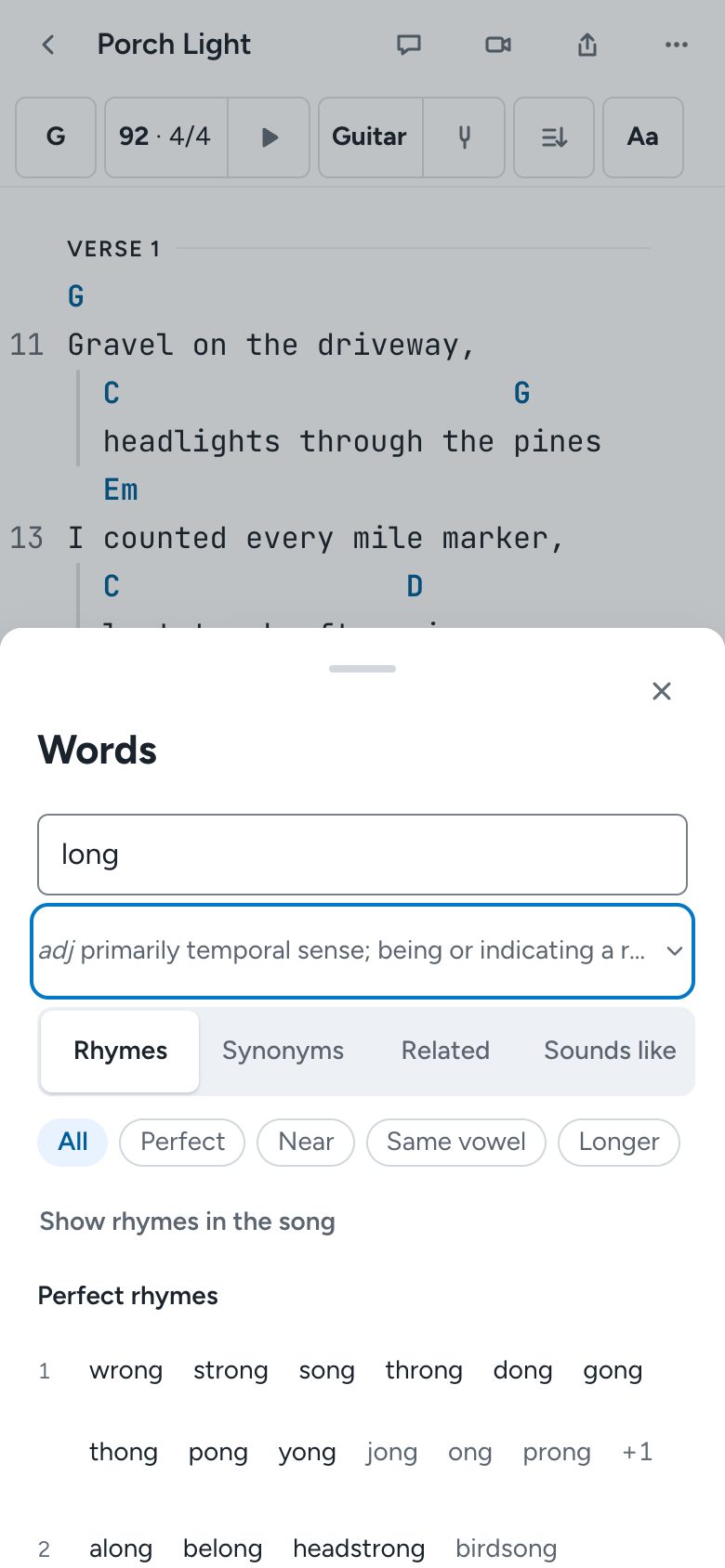
When you select a word, a small bar offers Look up and Comment. On an empty line, it offers Section and Tab block to add a new section or a tab.
See and hear a chord
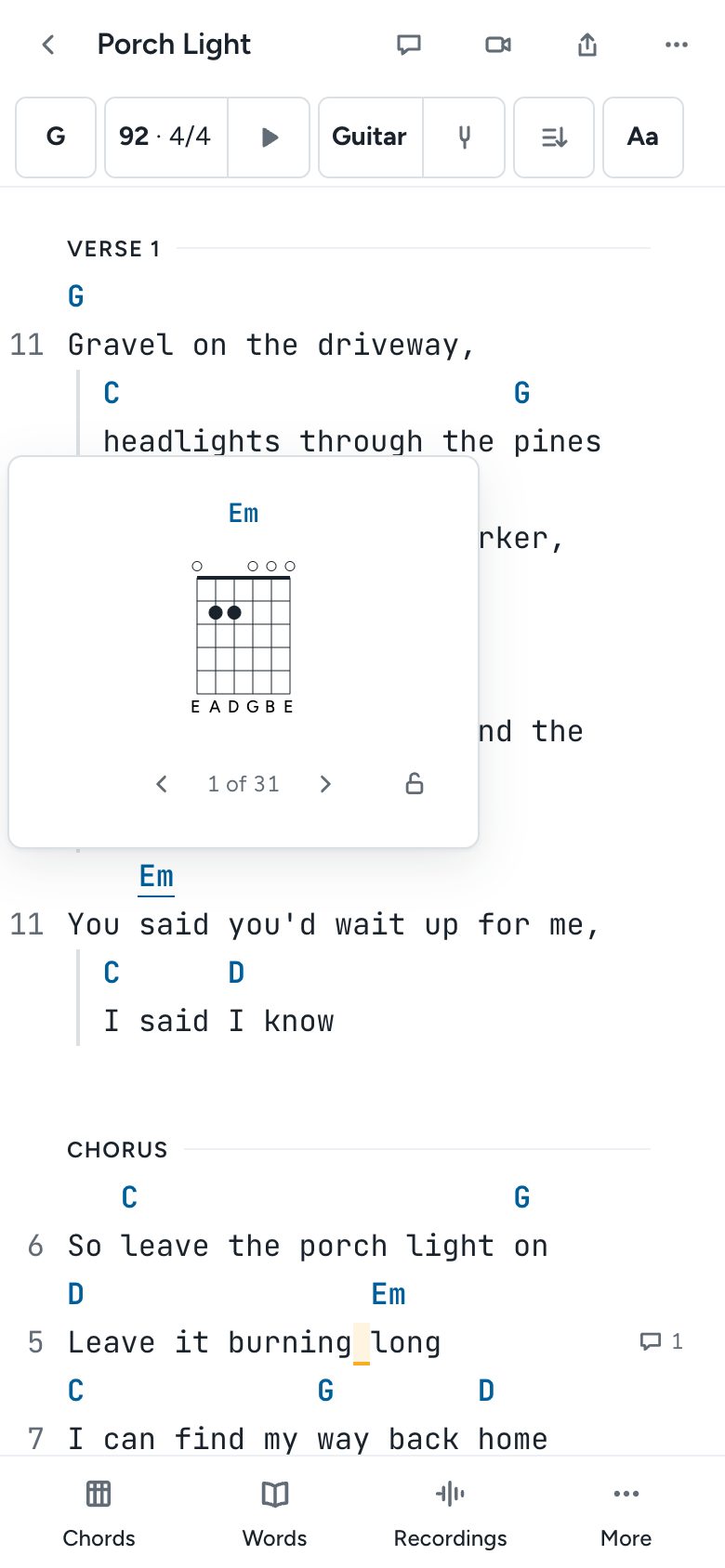
Tap any chord in the song to see its chart, and tap the chart to hear it. For guitar and ukulele, the arrows step through other shapes.
Edit a tab with the fret pad
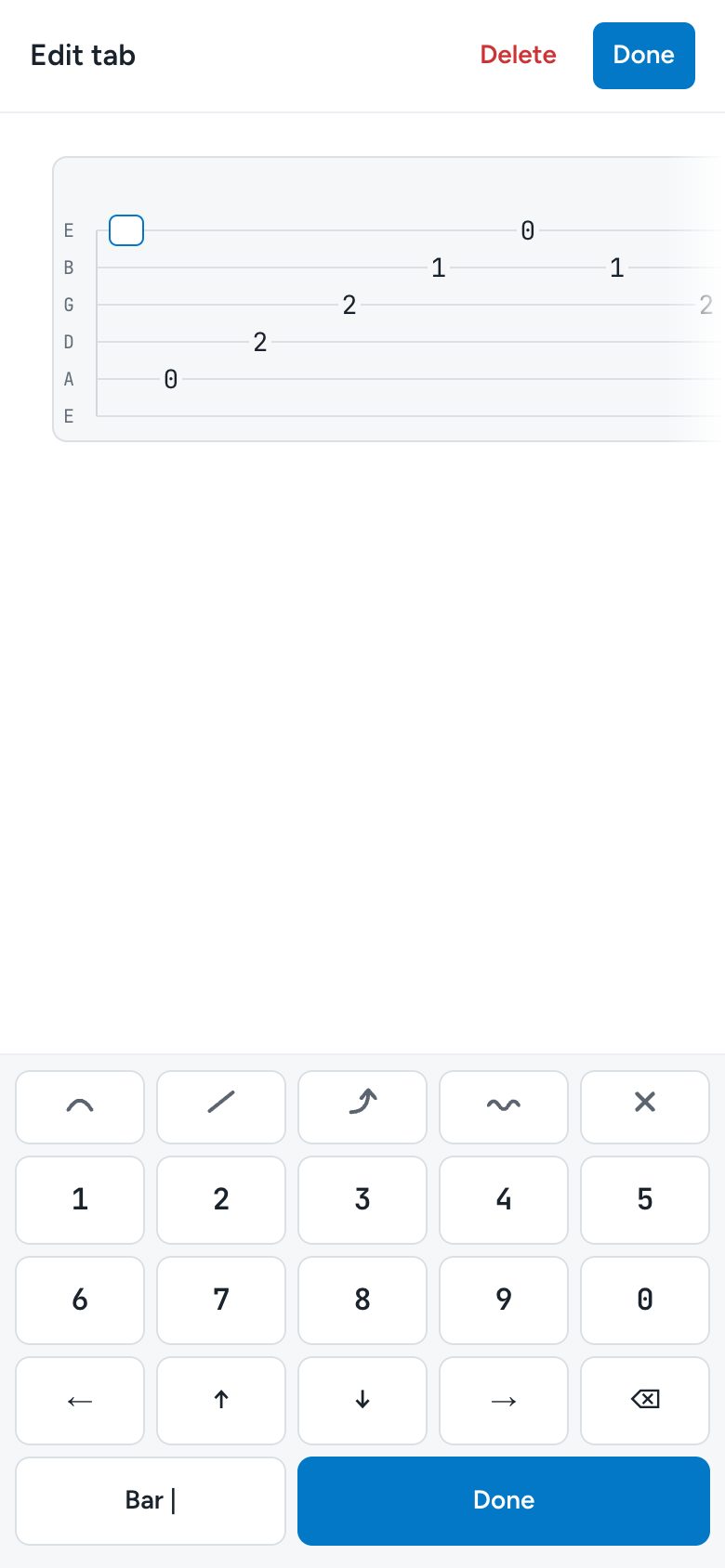
Tap a tab block to open Edit tab. The keypad has the frets, arrows to move between strings and beats, keys for hammer-ons and pull-offs, slides, bends, vibrato, and muted notes, and Bar | for a bar line. Tap Done when you're finished.
Change the view and autoscroll
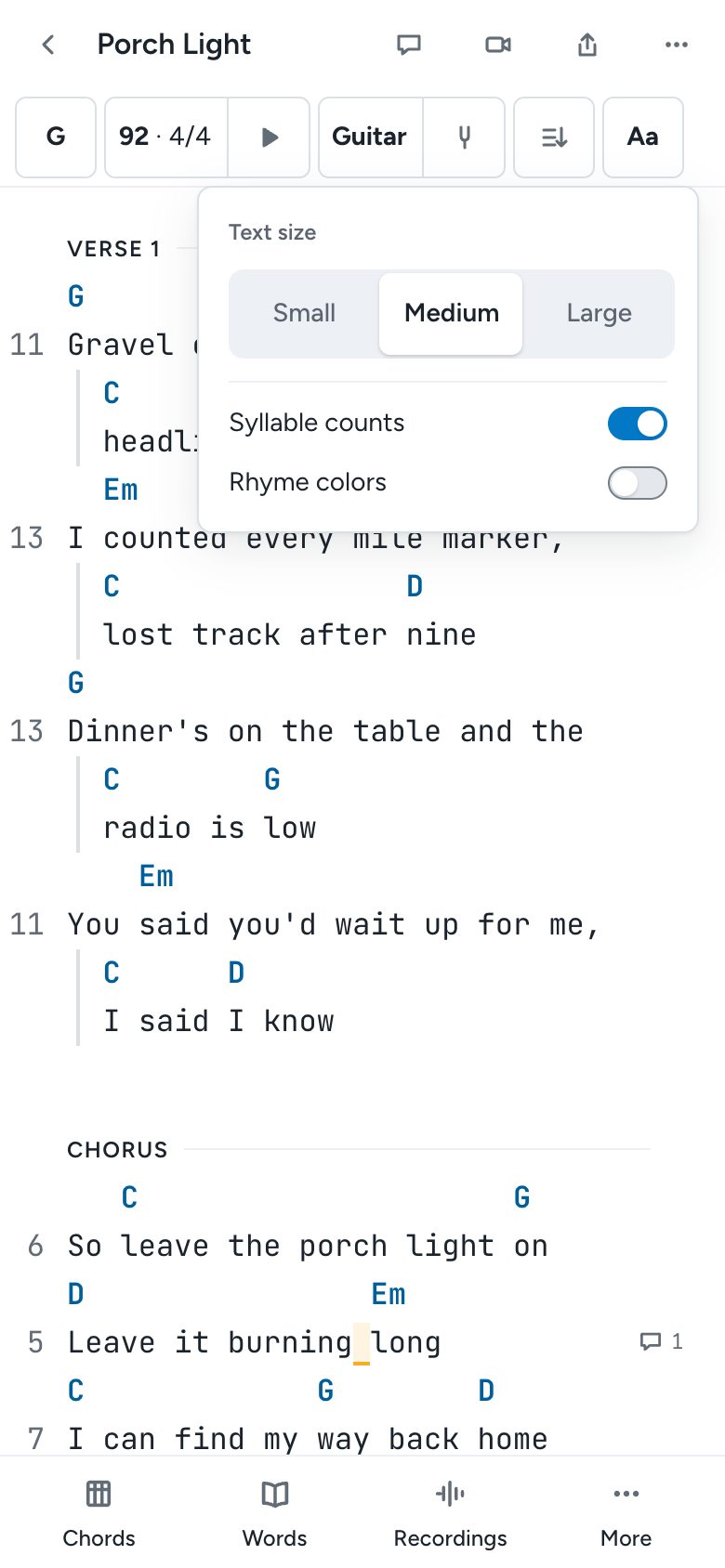
The music bar at the top scrolls sideways. Tap Aa to change the Text size to Small, Medium, or Large, and to turn Syllable counts and Rhyme colors on or off. The autoscroll button beside it scrolls the song while you play, and the play button next to the tempo starts the metronome.
Tips
Comments, chat, and sharing all work on your phone, from the icons at the top of the song. To play a song or a set on stage from your phone, use Perform in the ⋯ menu (Pro; see Perform and sets). For a quick way to bring in the voice memos on your phone, see Import your songs.