Resources
Guides to every Songcraft feature, and articles on writing songs
How to use Songcraft
Free
Getting started with Songcraft
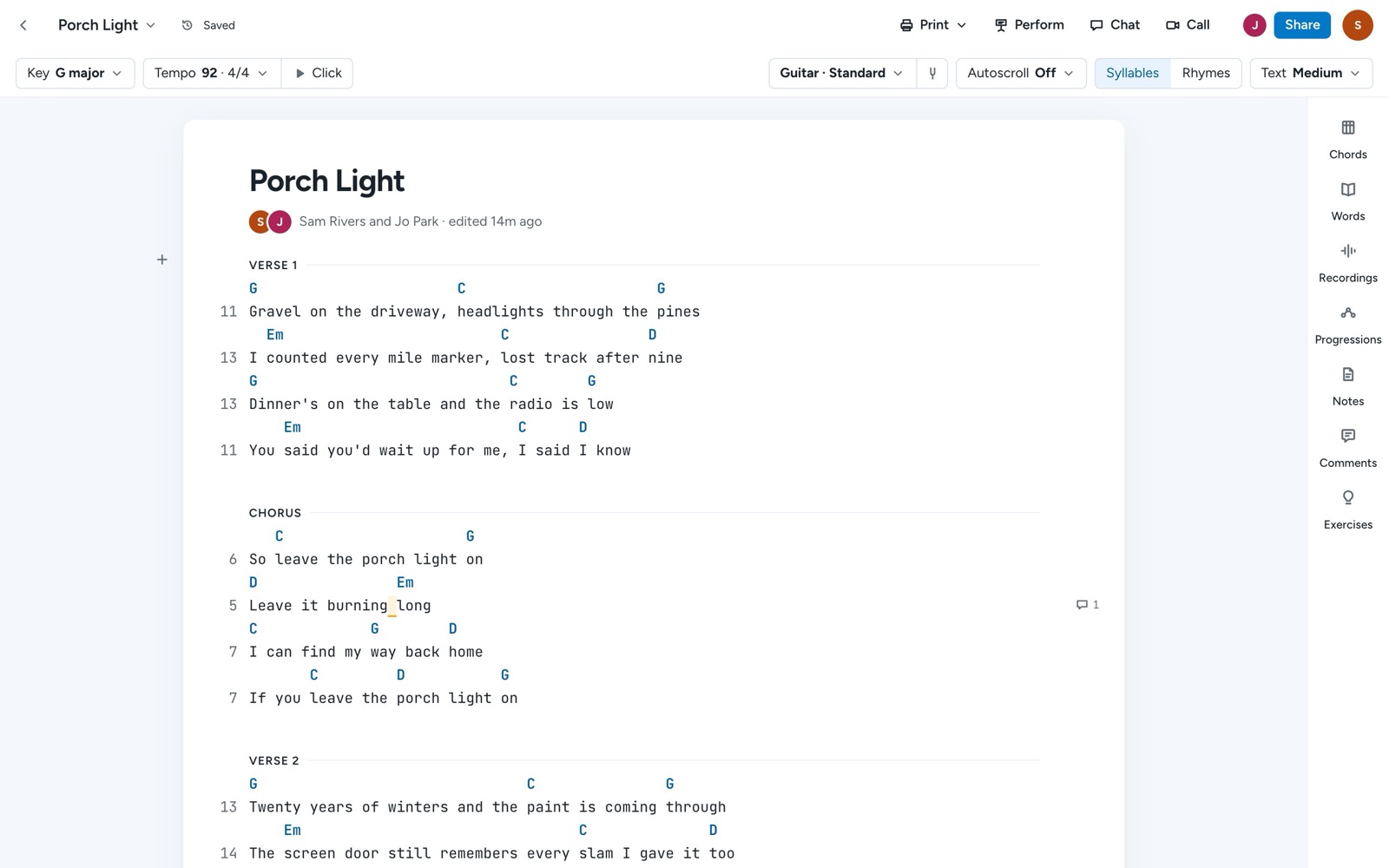
Write your first song in Songcraft: start a song, add lyrics, chords, and sections, set the key and tempo, and find your tools.
Free
Import your songs from Word, PDF, ChordPro, and OnSong
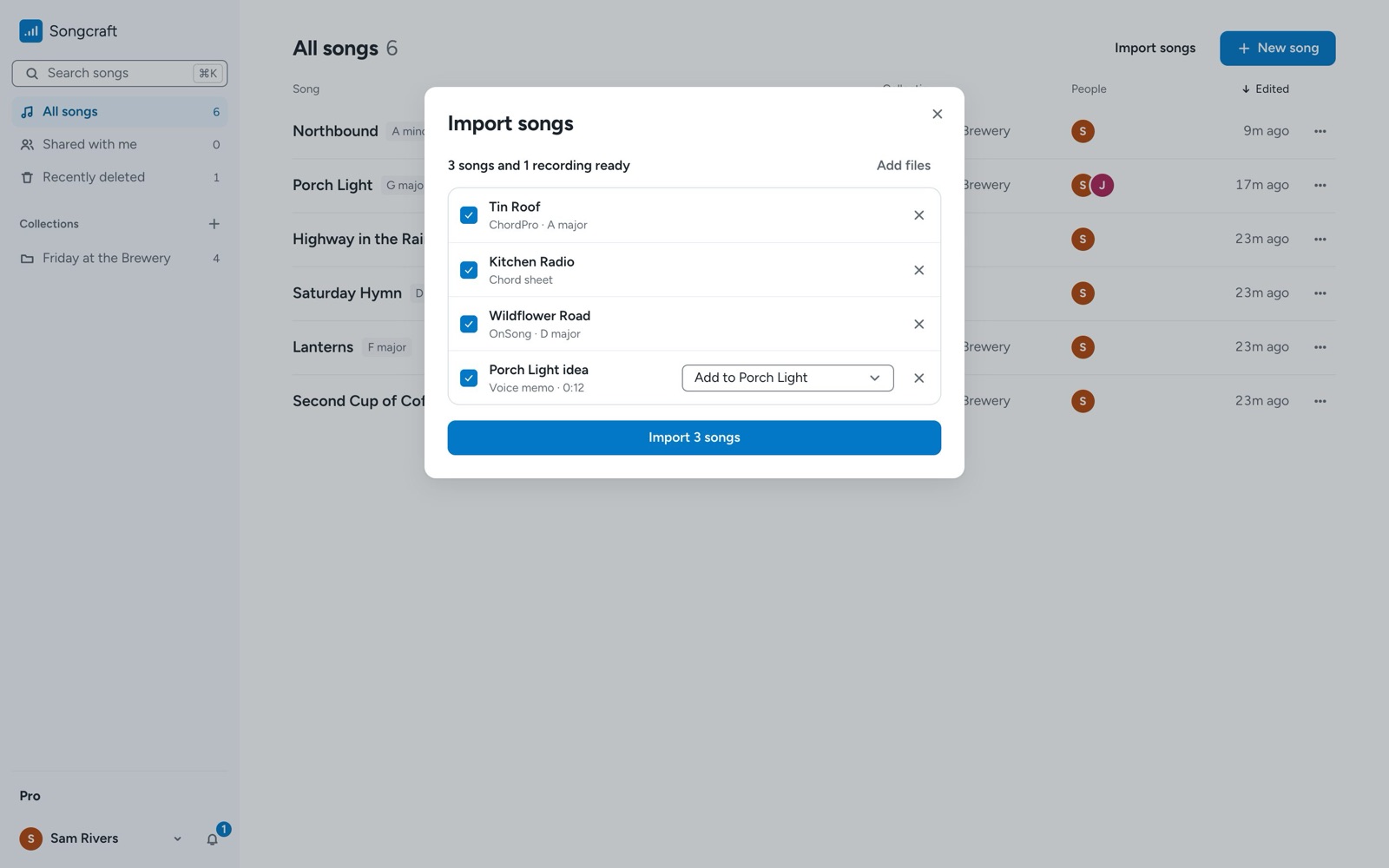
Bring the songs you already have into Songcraft: Word documents, PDFs, text files, ChordPro and OnSong files, and voice memos, as many as you like at once.
Pro
Play your songs on stage with Perform and sets
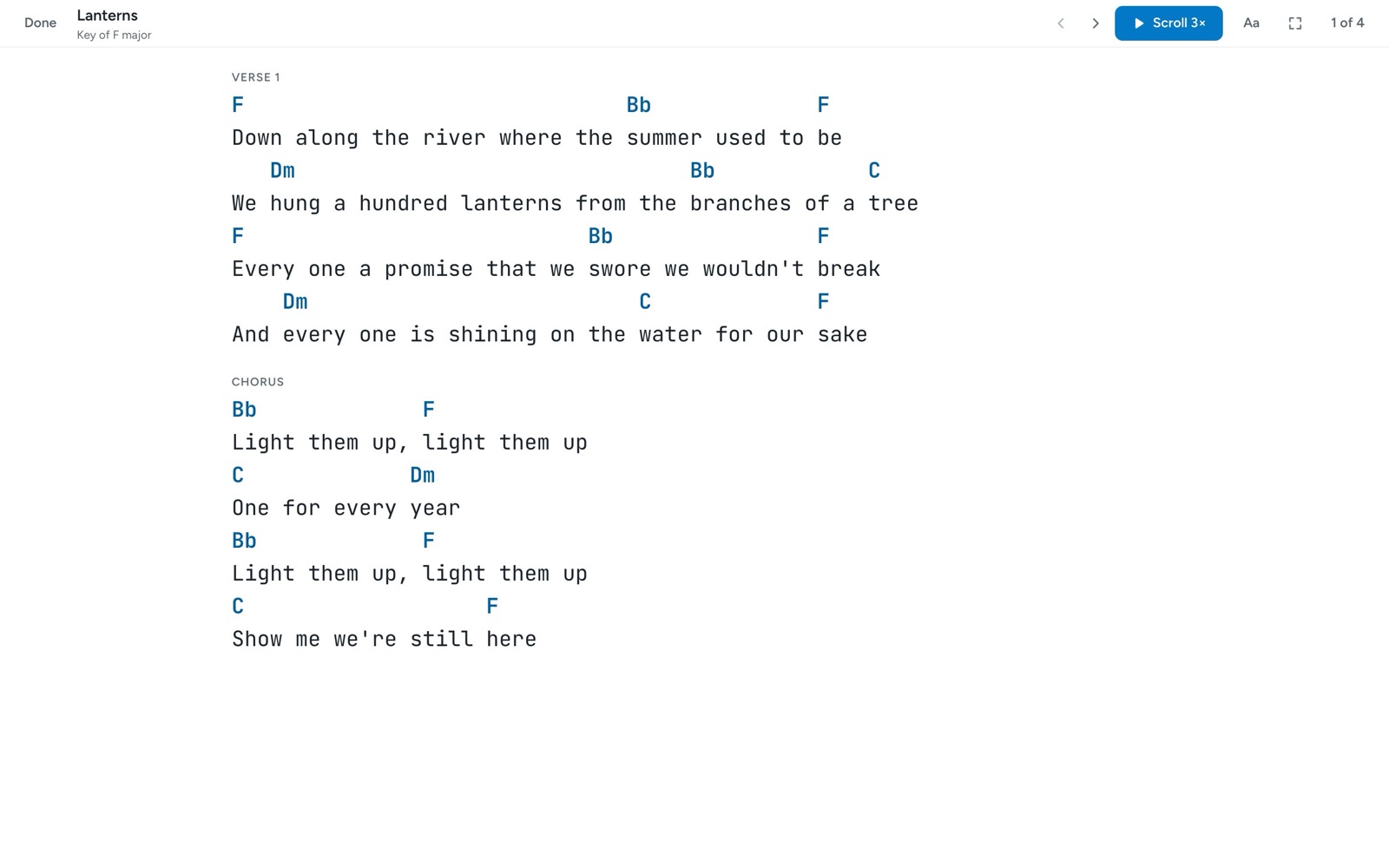
Perform shows your song large and clean and scrolls on its own. Build a set for each show, with its own keys, notes, and breaks, and play it offline.
Pro
Share a collection of songs with your band
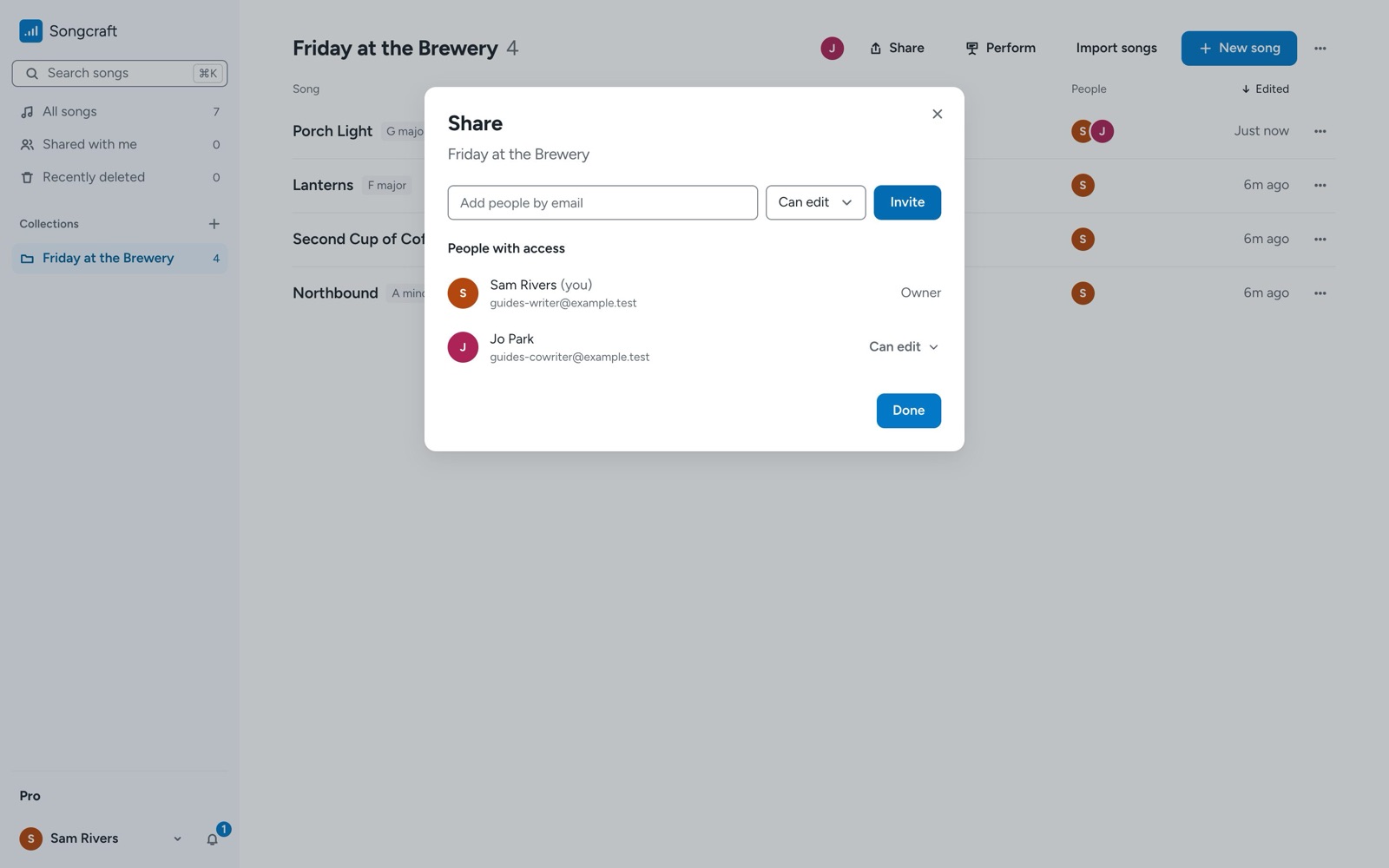
Share a whole Songcraft collection with your band, worship team, or co-writers, choose who can edit or view, and sort songs into subcollections.
Free, with Pro extras
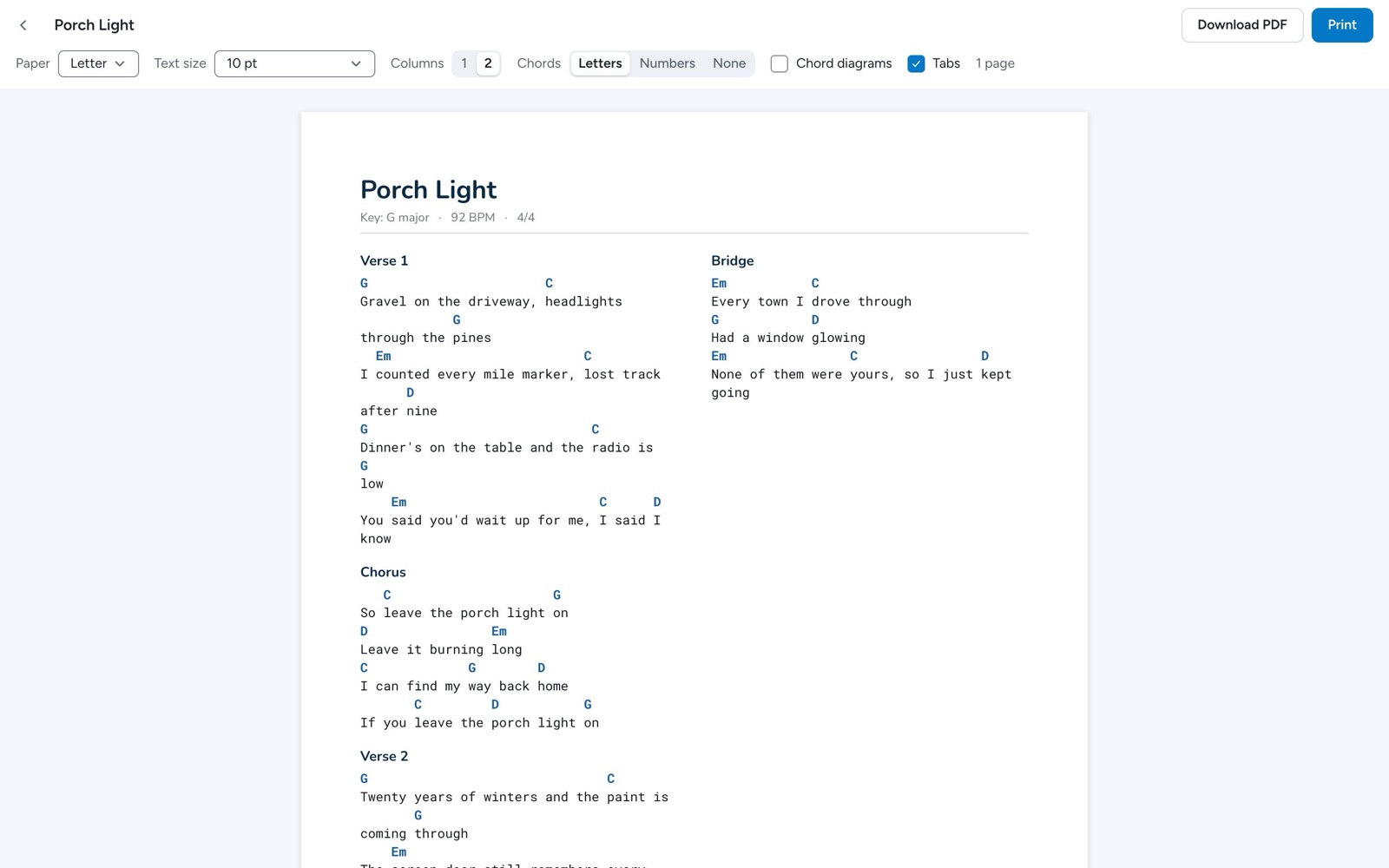
Print chord charts, download PDFs, and export your songs
Print a song as a clean chord chart in one or two columns, download it as a PDF or ChordPro file, or export your whole library with its recordings in one zip.
Free
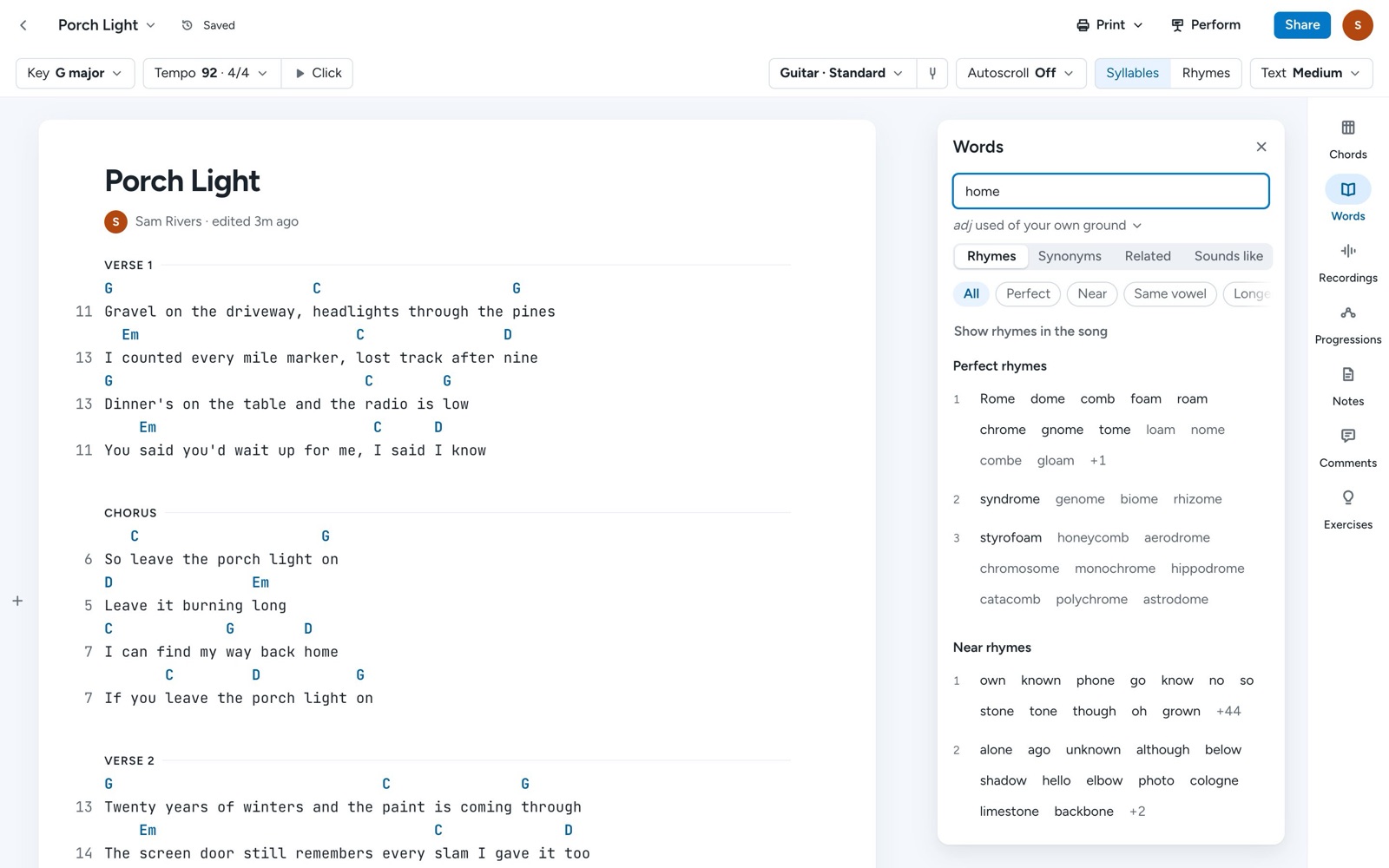
Find rhymes and see your rhyme scheme as you write
Look up perfect rhymes, near rhymes, and multisyllabic rhymes beside your song, and color the line endings that rhyme so you can see your rhyme scheme.
Free, with Pro extras
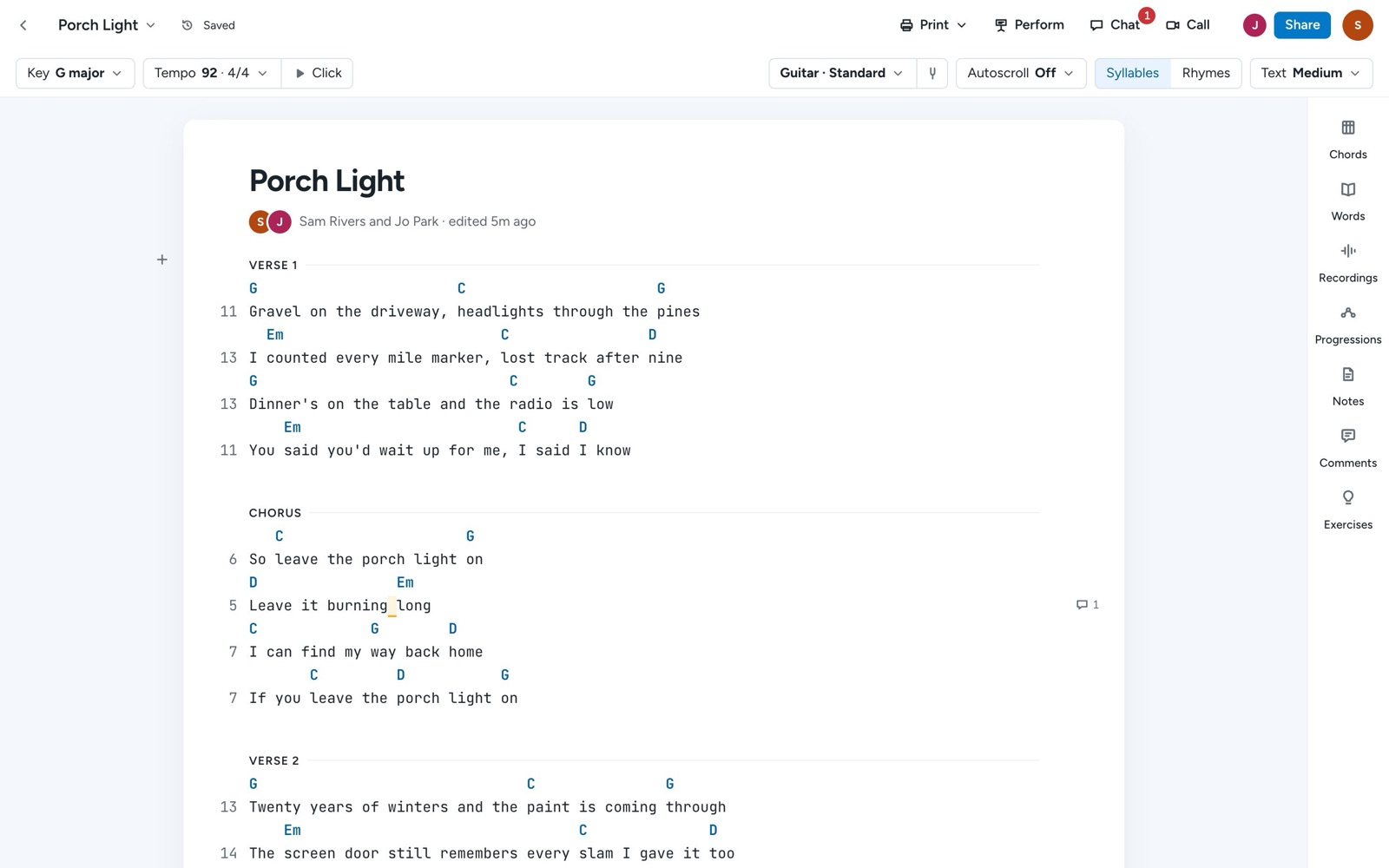
Write songs with co-writers
Invite a co-writer to a song in Songcraft and write together in real time, with comments on any line, a chat beside the song, and video calls.
Free
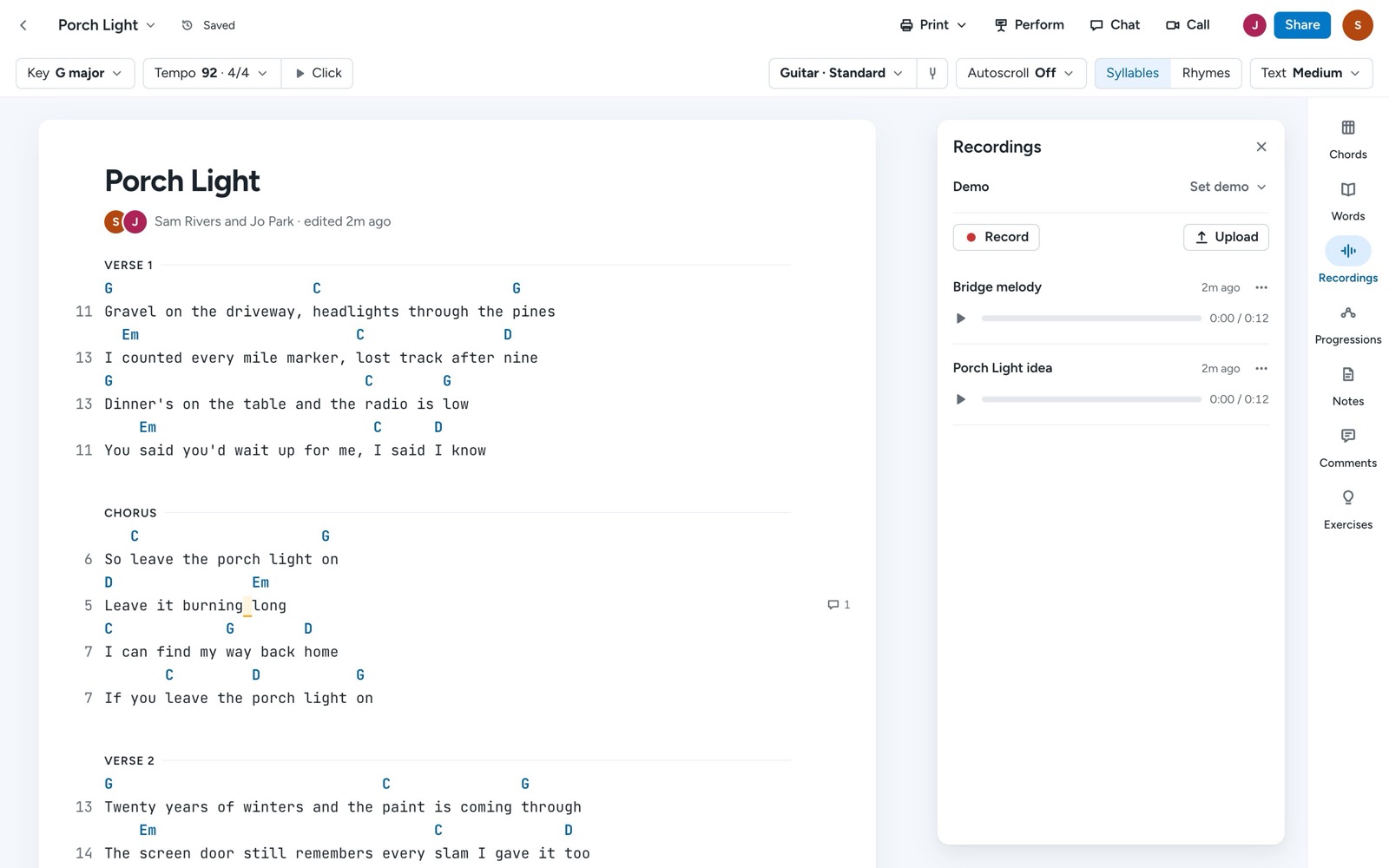
Record ideas and keep voice memos with your songs
Record a melody or a rough take right inside a song, upload voice memos and demos, and keep every recording with the lyrics and chords it belongs to.
Free, with Pro extras
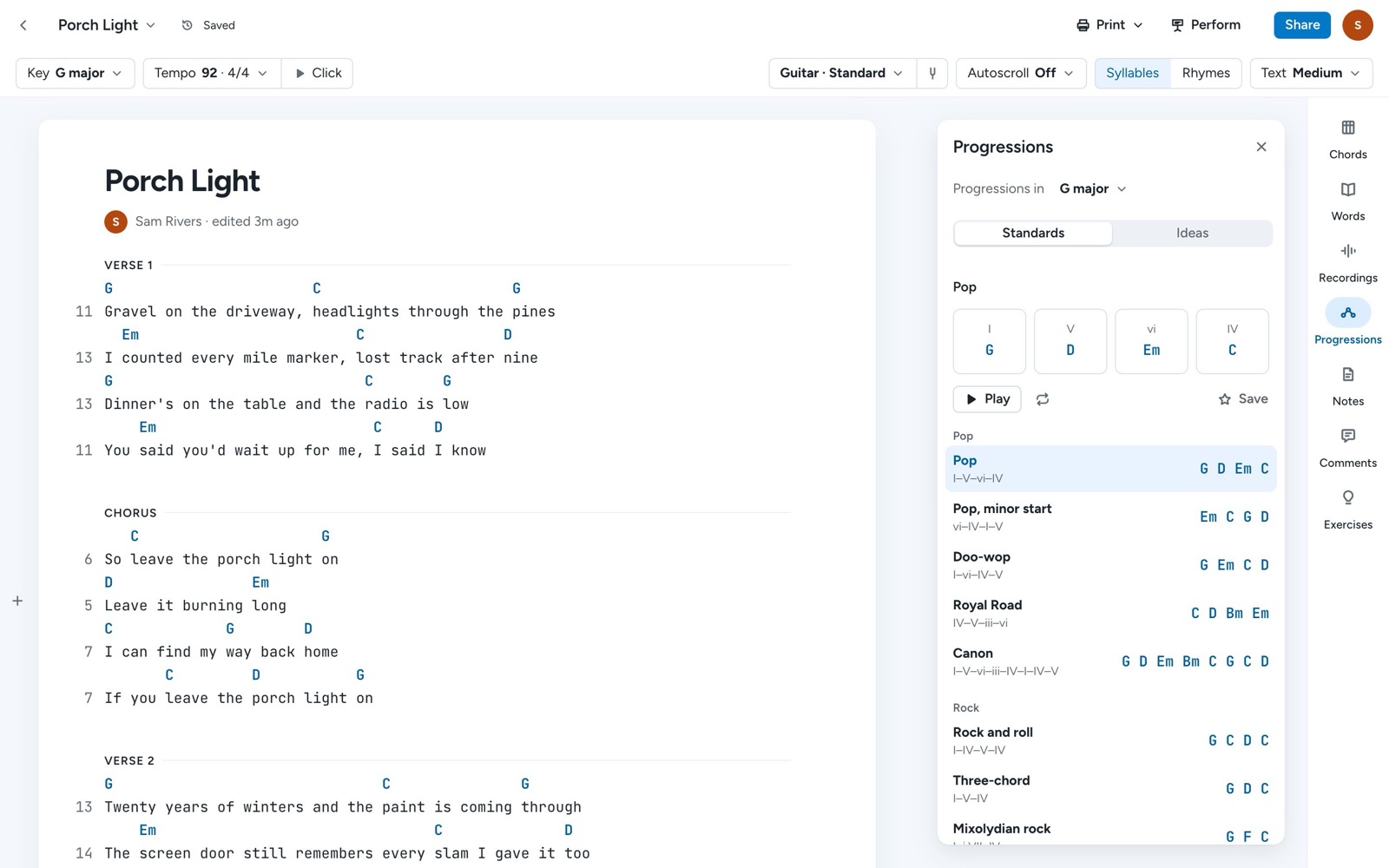
Chords, progressions, piano, and ukulele
Hear and see every chord in your song on guitar, ukulele, or piano, explore the chords in your key, and try classic progressions or generate new ones.
Free
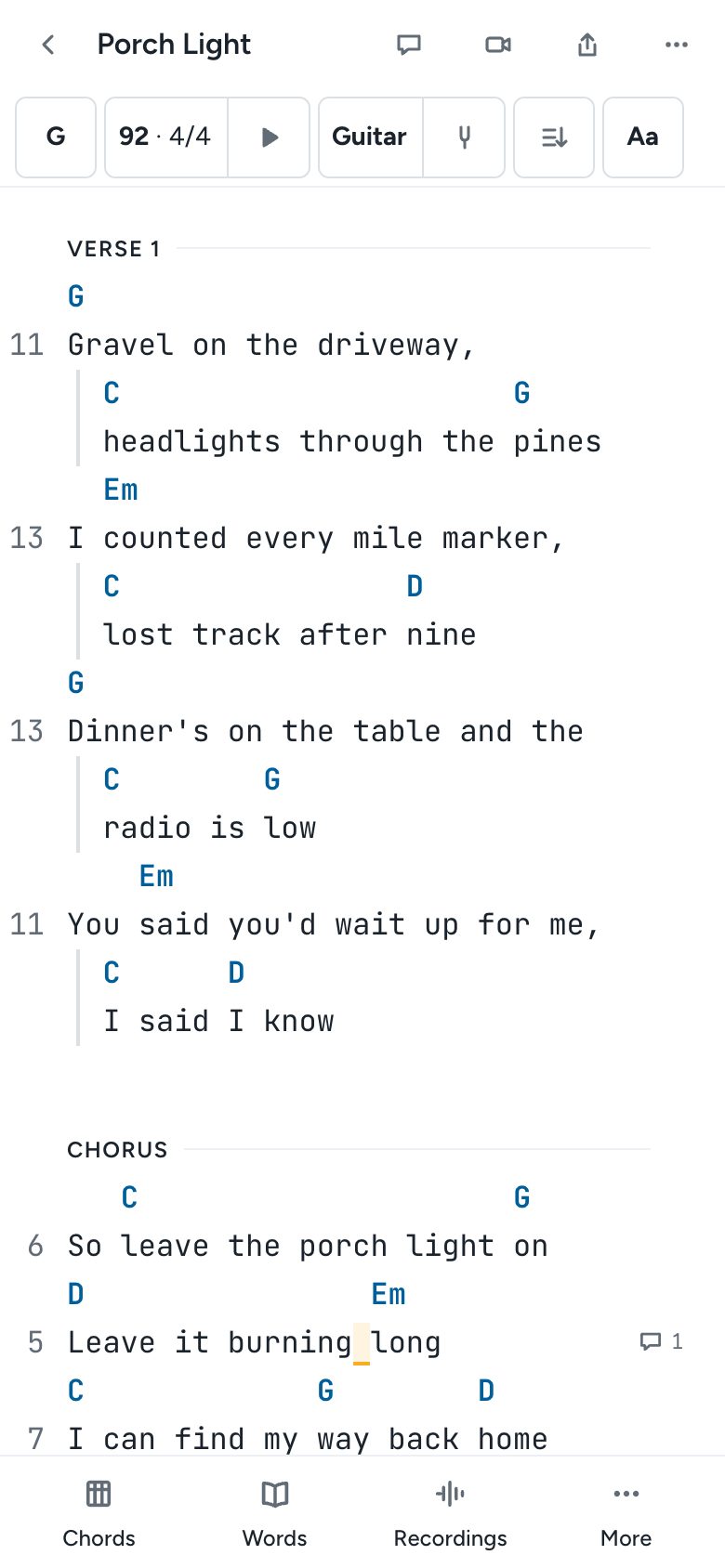
Write songs on your phone
Songcraft fits your phone screen: write lyrics and chords, open your tools in a sheet, tap a chord to see and hear it, edit tabs with a fret pad, and autoscroll while you play.
Free
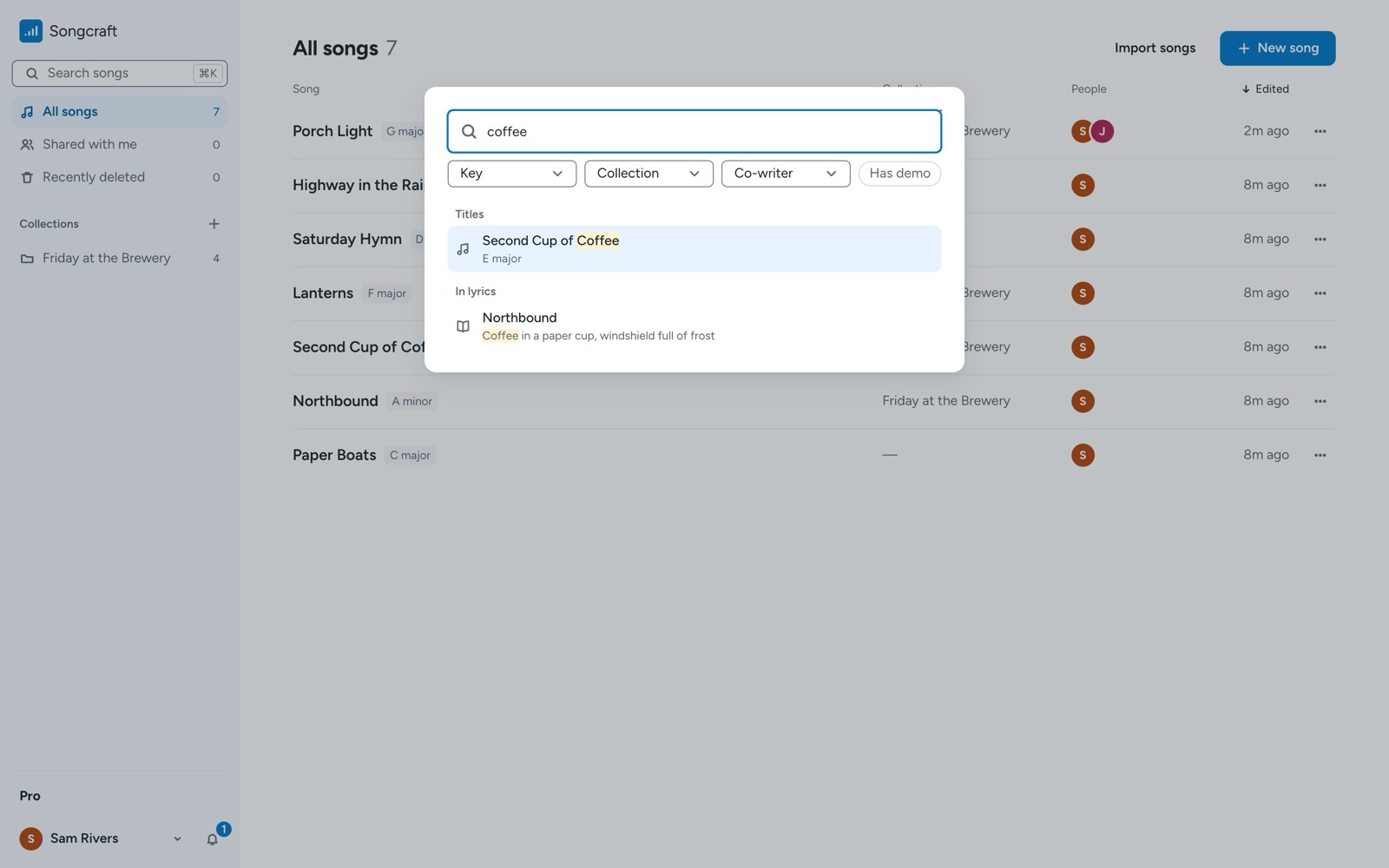
Find any song or lyric with search
Press / or ⌘K anywhere in Songcraft to find a song by its title, a line of lyrics, a collection, or a co-writer, and filter by key or collection.
Free
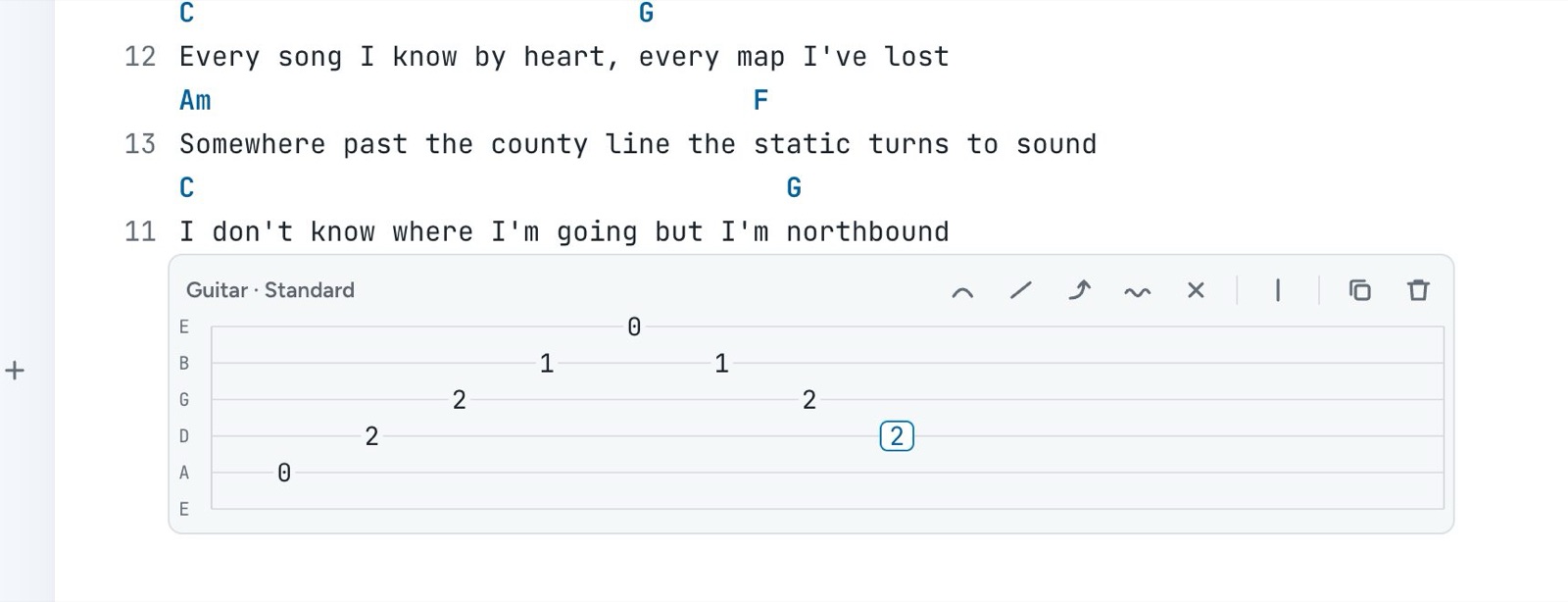
Write guitar tabs next to your lyrics
Use the Songcraft tab builder to write guitar, bass, or ukulele tabs right in your song, with hammer-ons, pull-offs, slides, bends, and any tuning.
Free, with Pro extras
Smaller things worth knowing in Songcraft
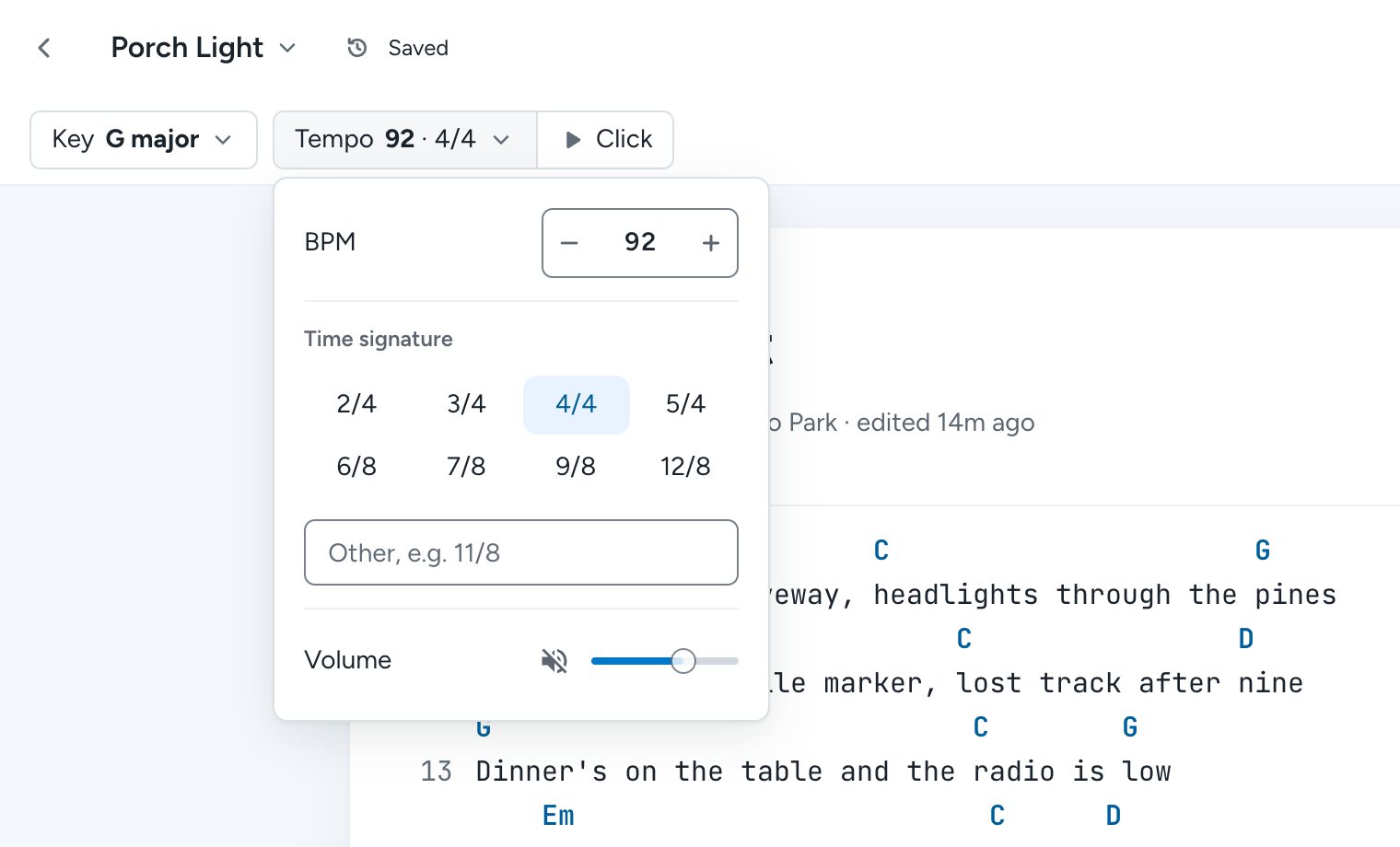
Dark mode, getting back a deleted song, capo, adding a section, odd time signatures, chord spelling, transposing, autoscroll, and version history in Songcraft.
Songwriting articles

Gabe G'Sell · Sep 16, 2019
5 tips for writing your first song
Developing a creative process for your songwriting.

Gabe G'Sell · Aug 02, 2019
Advanced chord building
Learn how to build seventh and extended chords

Gabe G'Sell · Aug 01, 2019
An introduction to chord building
Learn how to build major, minor, and dominant chords