
Songcraft lets you write a song with other people at the same time, from anywhere. Everyone sees changes as they happen, and you can leave comments on a line, chat beside the song, and start a video call without leaving it. Co-writing, comments, and chat are free, and video calls are part of Pro. To share a whole group of songs at once, see Share a collection with your band.
Invite a co-writer
- Open the song.
- In the top bar, click Share.
- Under Add people by email, type your co-writer's email address and click Invite.
- Click Done.
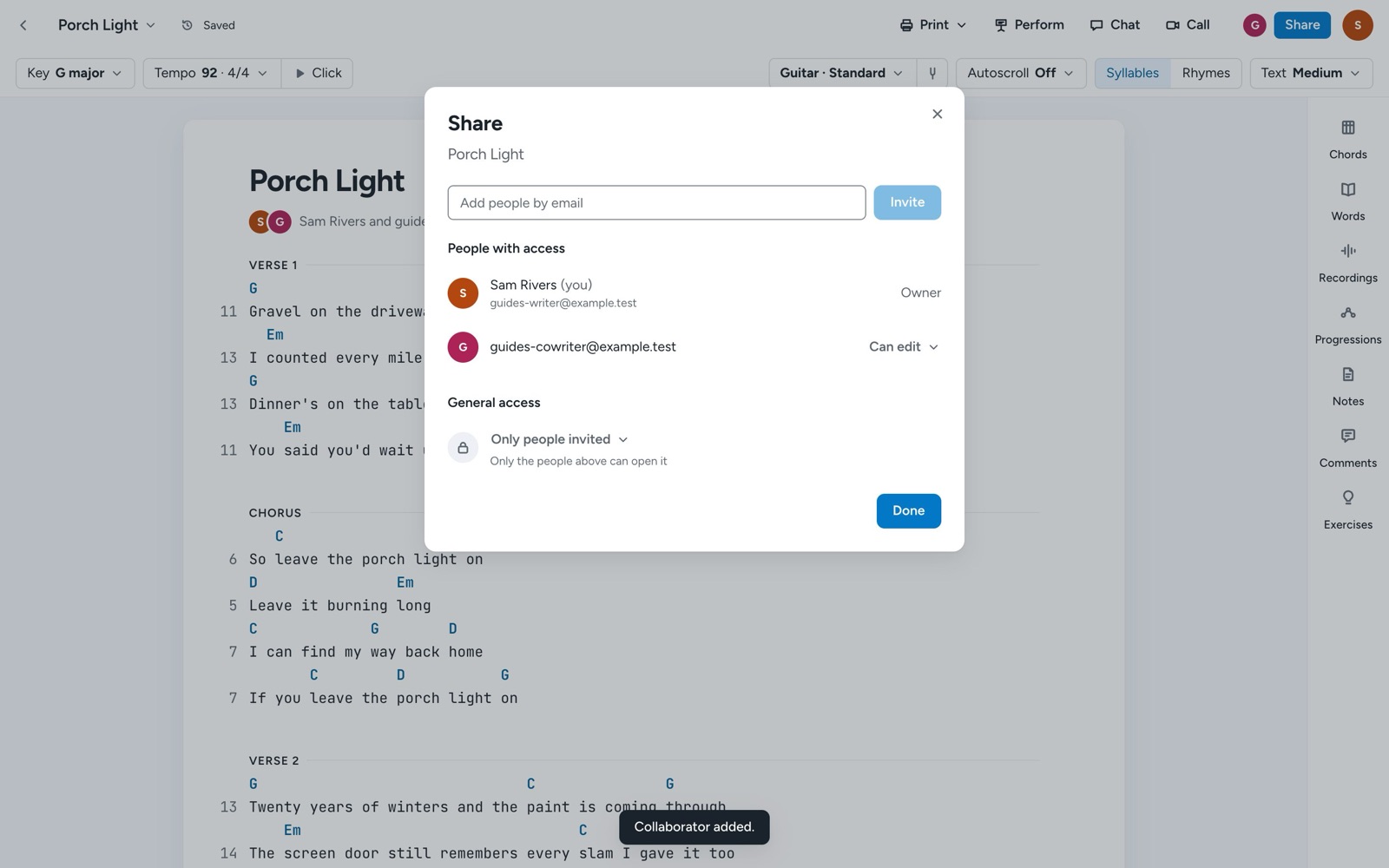
Your co-writer gets an email, and the song appears under Shared with me in their library. Everyone you invite to a song can edit it. You can also add co-writers when you start a song, with + Add collaborators in the New song dialog.
Share a read-only link
In the same dialog, under General access, change Only people invited to Anyone with the link, then click Copy link. Anyone with the link can view the song without signing in. Switch back to Only people invited to turn the link off.
Comment on a line
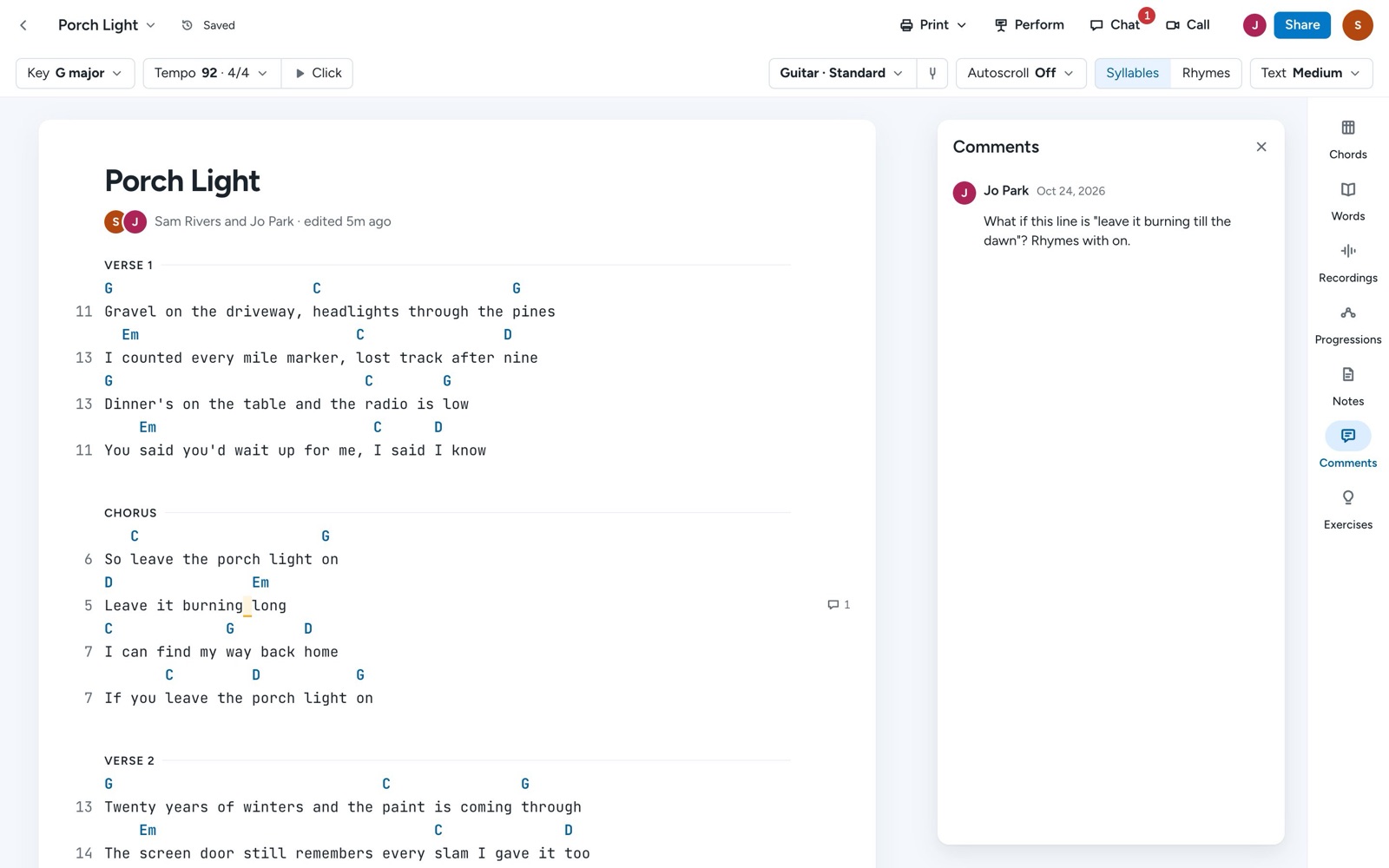
- Select the words you want to talk about and choose Comment, or click the + beside the line and choose Comment….
- Type your comment and click Comment.
A small badge in the margin marks lines with comments. Click Comments on the right side of the song to see them all, reply, and Resolve the ones you're done with.
Chat and call
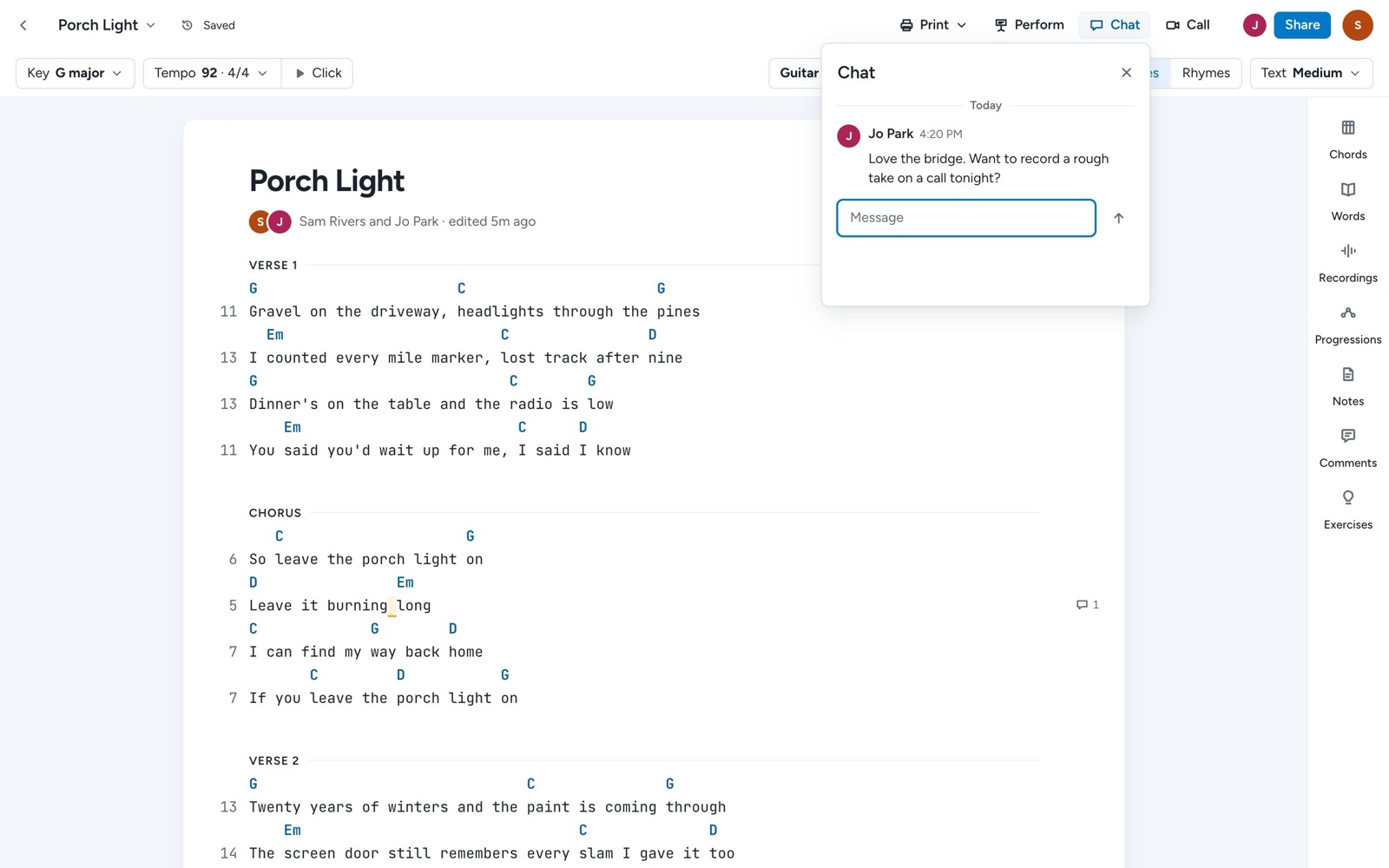
Once someone else is on the song, Chat and Call appear in the top bar. Chat opens a conversation that stays with the song, and a badge shows when there's something new. Call starts a video call with everyone on the song, right in your browser (Pro).
Tips
The faces beside Share show who's on the song, and each person keeps the same color everywhere. Co-written songs count toward the free plan's 5 songs for everyone on them. To stop sharing, open Share and choose Remove access beside a person's name, and a co-writer can leave a song with Leave beside their own name. To work out a song together, it helps to have the idea recorded; see Record ideas and keep voice memos with your songs.